


A closer look at Snapchat Pro
Snapchat Pro refers to unofficial Android modifications built around Snapchat’s familiar camera, messaging and Stories experience. The aim is to add more control over media, viewing and app preferences. It is separate from the official Snapchat app and from the official Snapchat+ subscription.
The Pro name does not identify one consistent set of features. Different third-party builds may add different settings, and options can change when the underlying app changes. The features described below are an overview of modified builds, not a verified feature list for the APK linked on this page.
The familiar Snapchat experience
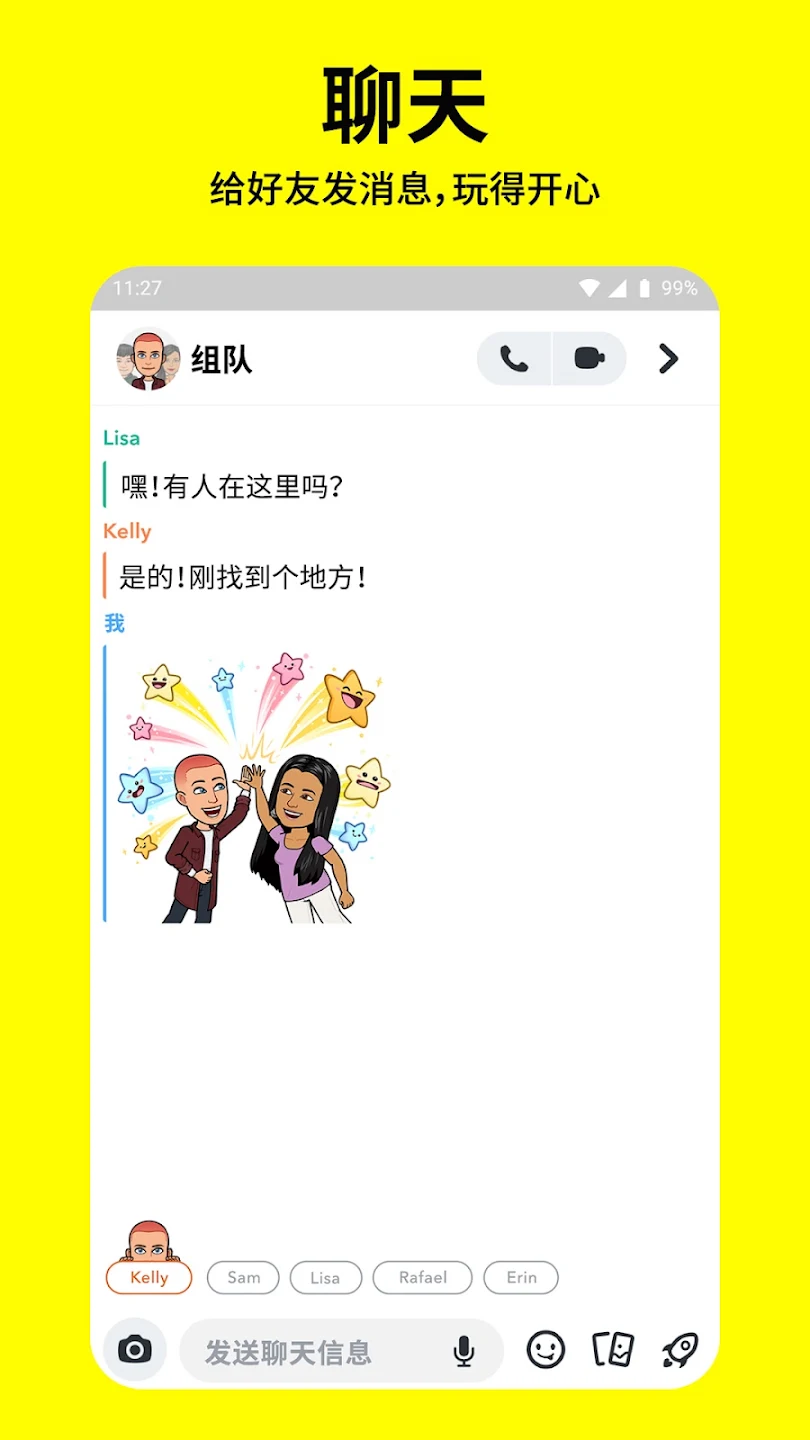
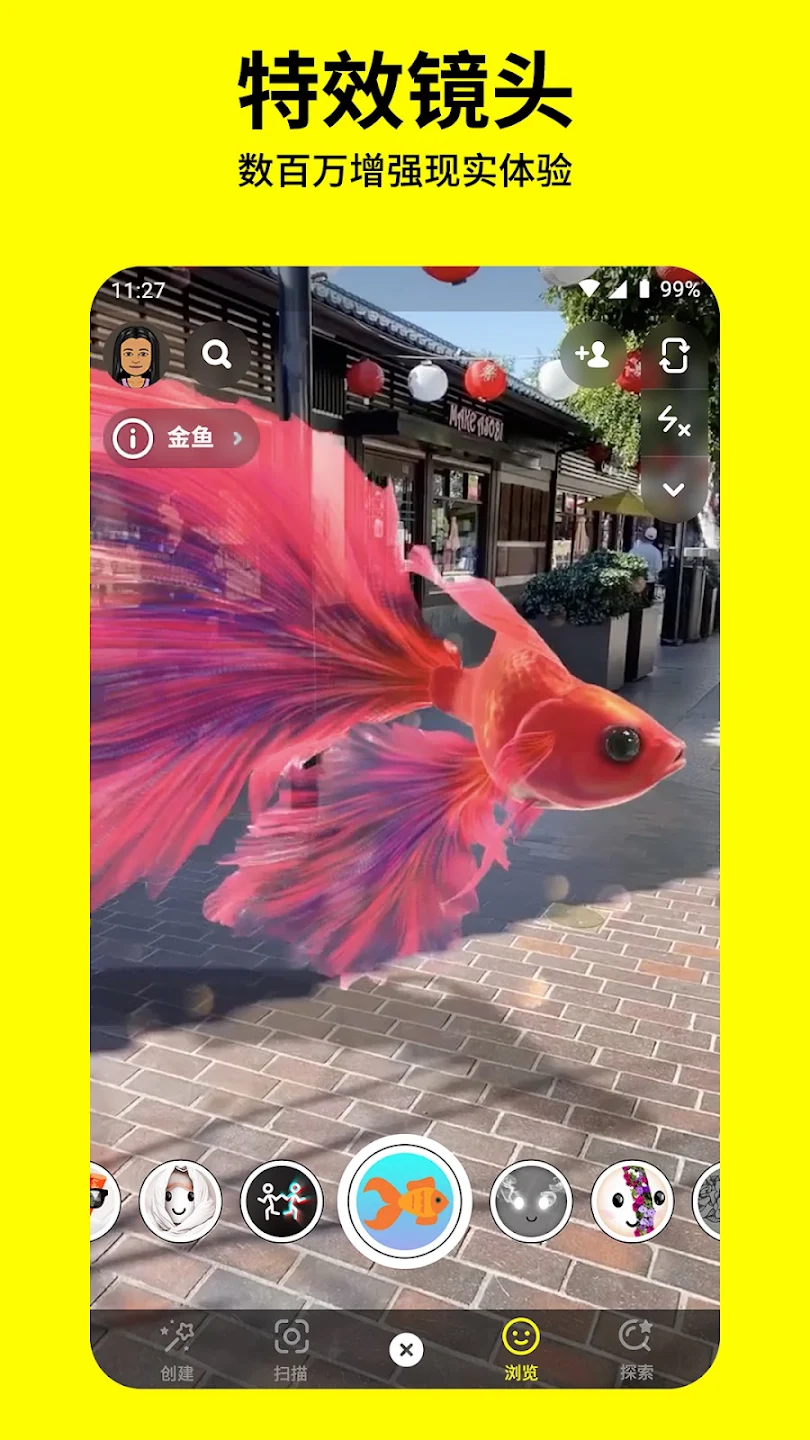
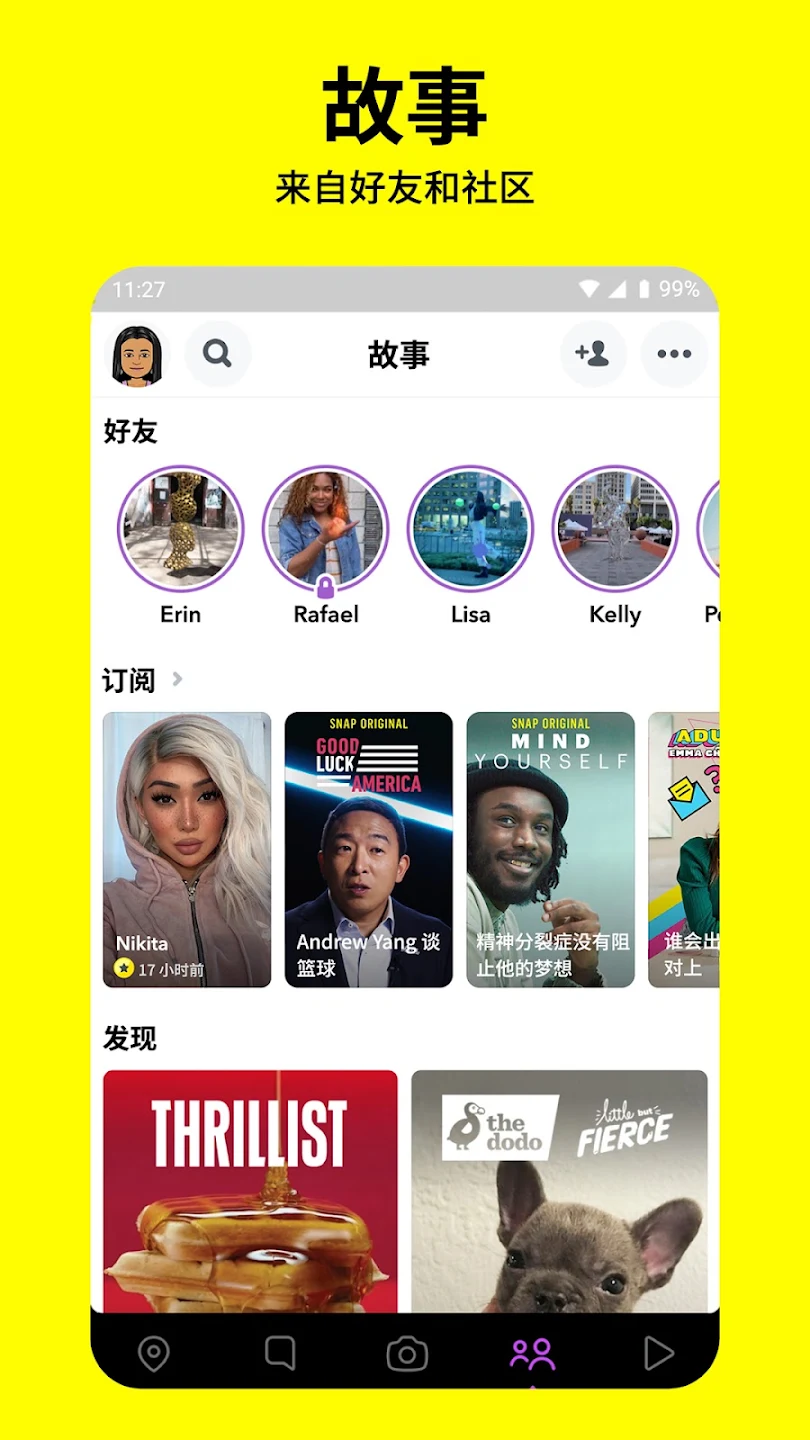
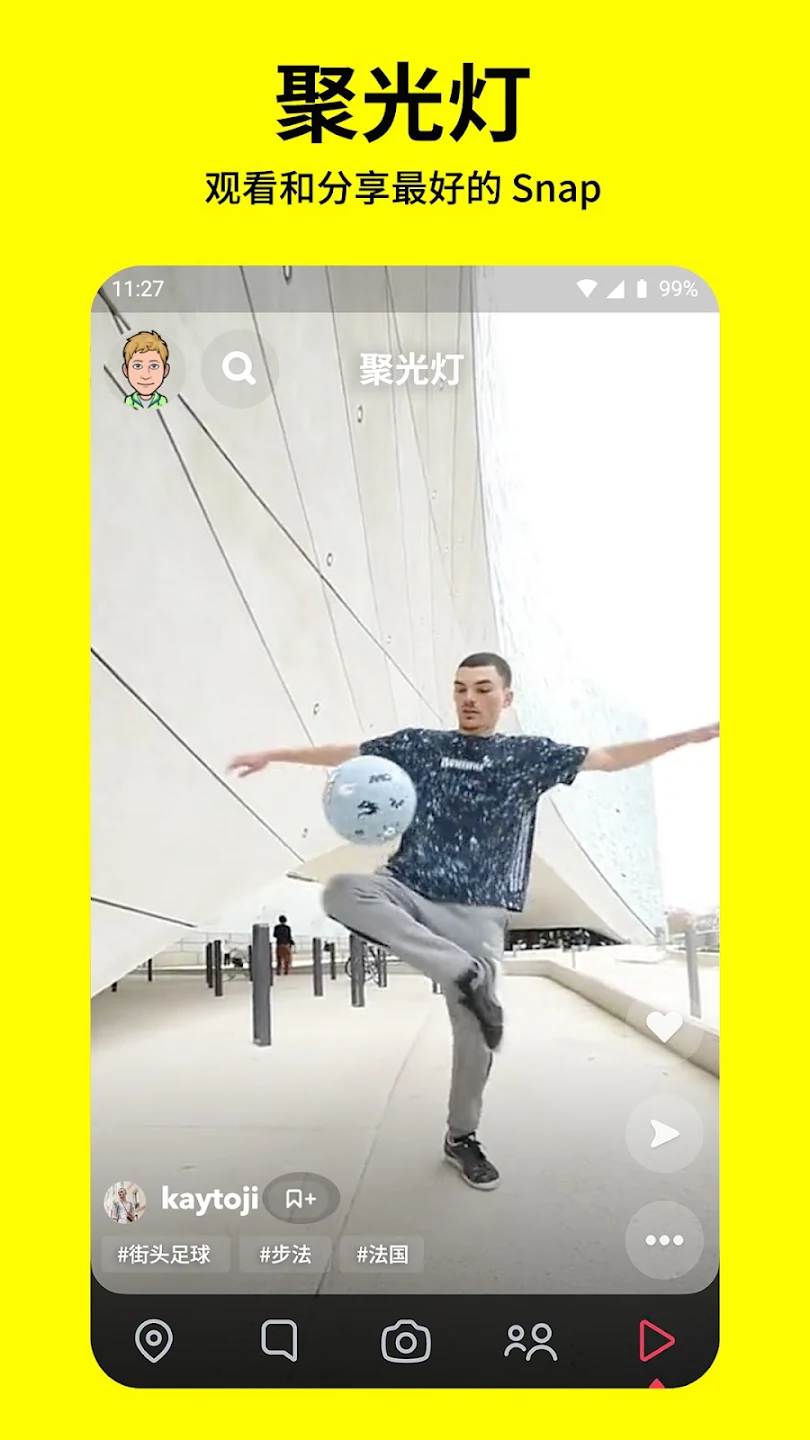
The basic idea remains visual conversation: send a photo, share a video, follow Stories or talk with friends. Modifications generally keep that recognizable starting point while adding settings around it. Camera effects and conversations may look familiar even when additional controls are present.
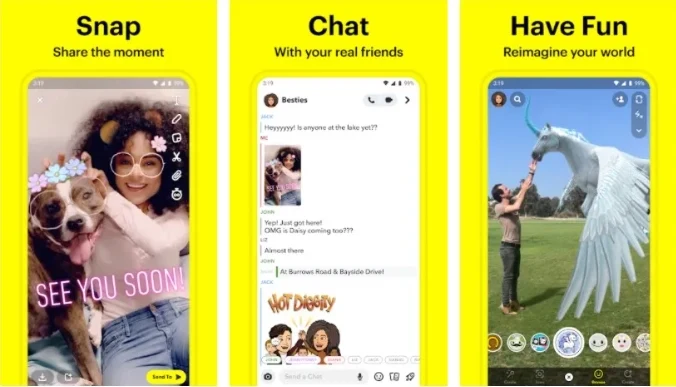
Camera, conversation and Lens examples. These illustrations do not establish which modified options a particular APK includes.
Features that may appear in modified builds
Availability depends on the modification and its base version. Some settings may be absent, experimental or no longer compatible with a newer release.
- Saving media: additional ways to keep supported Snaps, Stories or other media on the device.
- Longer viewing: changes to how long supported Snaps remain open.
- Activity controls: settings related to story views, read activity, typing or online indicators.
- Screenshot behavior: changes to screenshot-related notifications in some modifications.
- Appearance: darker screens, hidden interface sections or other layout preferences.
- Location options: controls that alter location behavior in some builds.
- Advertising: settings intended to reduce some advertisements, with varying coverage.
- Media quality: preferences affecting upload quality or compression.
- Video tools: altered length limits, clip handling or playback speed.
- Chat organization: conversation pinning and message previews in supported versions.
- Additional app locking: a passcode setting, which may be experimental.
- Streak information: extra timing information associated with Streaks.
These categories describe possibilities across modified apps. They are not a promise that every option is included, that it will continue working, or that a subscription feature is officially unlocked.
Saving Snaps, Stories and other media
Media saving is one of the main reasons people look at modified Snapchat apps. A supported build may add a save or download action to content that can otherwise only be viewed in the app. Depending on the modification, that could apply to a Snap, a Story or another supported media section. The scope is important: a download option in one part of the app does not establish that it works everywhere.
Older and newer modifications may handle saving differently. A button may move, disappear or stop working after a change to the base app. Treat saving as a feature to examine in the particular build, rather than assuming that every app carrying the Pro name has the same download controls. Consider the other person’s wishes before keeping or sharing their content.
Snap viewing and screenshot settings
Some modifications describe a longer viewing mode or changes to the normal Snap timer. The intended benefit is more time to look at a photo or read text before closing it. That is different from saving the content: leaving a Snap open and creating a local copy are separate actions, and a build may support one without the other.
Screenshot-related controls are also mentioned in modified builds. They may change how certain screenshot activity is handled or reported. Such settings are not a reliable guarantee that an action is invisible. Behavior can vary with the release and the service, so avoid treating a feature label as proof of how another person’s app will respond.
Read activity, story views and other indicators
Additional privacy settings can focus on the activity that accompanies a conversation. Examples described for some modified apps include controls related to story views, reading messages, typing and online indicators. These are separate signals, rather than one universal privacy switch. A change to one indicator does not establish that the others are hidden too.
If a build offers these preferences, review what each individual setting says it changes. The available choices may be placed in an added menu or grouped with existing settings. The useful question is which behavior a particular option controls, not simply whether an app advertises extra privacy. No set of modifications should be read as a promise of complete anonymity.
Dark mode and a less crowded interface
Appearance changes can make the app feel different without changing the central idea of Snaps and conversations. Some modified builds offer darker menus or a wider dark theme. Others add switches for hiding sections that a person does not use often. The result may be a simpler screen, but the extent of the changes depends on how much of the interface the modification covers.
Dark mode, a hidden section and a different background are distinct preferences. One should not be used as evidence that all the others are present. The Pro name also does not turn those preferences into official Snapchat+ features; a third-party appearance change remains separate from an official subscription option.
Upload quality, longer videos and playback
Modified apps may add preferences around the media sent through the app. Some describe source-quality uploads or changes intended to reduce additional compression. The outcome still depends on the original photo or video. A quality setting cannot restore detail that was not in the original file, and its presence does not guarantee the same result for every upload.
Other modifications focus on video length, automatic splitting or playback speed. These are different parts of the experience: a longer recording limit concerns creating or sending content, while a speed control concerns watching it. Review them separately when comparing builds. A version with a playback preference may still retain the base app’s restrictions elsewhere.
Conversation pinning and message previews
Some Pro-style builds describe ways to keep important chats easier to find. Pinning places selected conversations near the top instead of making the user search through the friend feed. A message preview, where offered, shows a portion of a message before opening the full conversation. These are convenience tools around the existing chat experience.
Neither feature implies that the app can recover a deleted conversation or reveal content that is no longer available. Pinning concerns organization, and previewing concerns what an interface chooses to show. Keeping those purposes separate helps avoid confusing everyday chat controls with data recovery features.
Location settings, advertising and app locking
Location-changing tools are described in some modified releases, but they are not a standard capability of everything called Snapchat Pro. A build that adds them may place them in its extra settings. The available options and their effect can change from one release to another. This is another area where a generic feature list provides less information than the actual controls in the app.
Ad-reduction settings may cover some screens while leaving others unchanged. Likewise, an additional app passcode may be experimental or absent entirely. An extra lock on the app is different from the password protecting an account. Finally, some builds add information about Streak expiry; that information is not a promise that a Streak will be preserved or restored.
What changes compared with official Snapchat?
Official Snapchat is developed and supported by Snap Inc. Snapchat+ is an official subscription offering additional features within that ecosystem. Snapchat Pro is a third-party modification, so it has a different source of support and its own update process.
The attraction of a modification is greater control over the interface or how content behaves. The tradeoff is that compatibility, stability and maintenance can vary between releases. A modification may stop working when Snapchat changes its services, even if an earlier build worked as expected.
When comparing the three names, separate the source of the software from the features being discussed:
- Snapchat: the standard app maintained by Snap Inc., with its supported communication and camera features.
- Snapchat+: an official subscription within Snapchat’s own product, rather than another name for a modified APK.
- Snapchat Pro: a label used for unofficial modifications, with additional options and maintenance that depend on the third party behind a build.
Similar words in a feature description do not make these products interchangeable. A theme, icon or story preference in a modification is not evidence of an official subscription, and a modified app does not inherit official developer support simply because its interface looks familiar.
Downloading and installing on Android
The download section on this page lists the configured APK filename, version and file size. Android APK files cannot be installed as iPhone apps. Feature descriptions alone do not identify the contents of an APK.
- Check that your Android device has enough free storage for the download and installation.
- Save the APK and check the filename before opening it.
- If Android requests installation permission, grant it only to the browser or file manager handling that file.
- Follow Android’s installation prompts and review any warnings rather than dismissing them automatically.
- Open the installed app, review its permission requests and inspect the settings actually available in that build.
- Turn off installation permission for the browser or file manager when you no longer need it.
Before replacing an existing installation, consider the information you need to keep. An update to a modified app may change or remove options, so do not assume that settings from an earlier version will transfer unchanged.
Getting started after installation
Begin with the normal camera and conversation screens so you can distinguish familiar features from added ones. Then examine any extra settings a build provides. Choose the options that address a specific need, rather than enabling every available change at once. For instance, a darker interface and a media-saving control serve different purposes and can be evaluated separately.
Check what an option actually changes during ordinary use. An unfamiliar label may describe a narrow setting rather than a broad improvement to the entire app. If a feature is missing, it may be absent from that particular modification; the explanation on this page does not establish that it should exist in every release.
Updates and compatibility
Modifications rely on an underlying app that continues to change. An update may require a third-party developer to revise a setting, move it or remove it. That makes the base version relevant even when two packages use a similar Pro name. A feature described for an older build may not carry over to a newer one.
Before replacing a working installation, compare the information supplied for the new build with the settings you currently depend on. Do not assume that a newer number means more modification features. Compatibility, stability and feature availability are separate questions, and the displayed version alone does not answer all three.
Benefits and limitations
For someone looking for more customization, a supported modification may combine media controls, appearance settings and conversation tools in one app. That can make particular tasks more convenient without learning an entirely new interface.
The limitations matter just as much: unofficial builds may crash, lose compatibility or receive inconsistent maintenance. An unfamiliar APK can also create security and account risks. The Pro label does not mean the app has been reviewed or endorsed by Snap Inc.
Other ways to stay in touch
The official Snapchat app is the closest alternative when the priority is the standard Snapchat experience and official support. Other messaging apps, including WhatsApp, Telegram and Signal, may suit different communication needs, but they are not interchangeable Snapchat modifications.
WhatsApp may suit someone whose priority is ordinary individual or group communication and temporary status sharing. Telegram offers another approach to messages and shared media. Signal is another messaging alternative for people considering how they want to communicate. Choosing among them starts with the kind of conversations and sharing you need, rather than looking for the same list of Snapchat modifications in a different app.
If the camera, Lenses and Snapchat friend network are the essential parts of the experience, a different messenger may not replace them. If the main requirement is keeping in touch, a separate communication app may meet that need without relying on a Snapchat modification. These are different product choices, rather than versions of one app.
Choosing a build
Start with the specific options you need, then examine what your chosen build actually offers. A name, a screenshot or a feature list cannot establish that an APK has those capabilities. Keep the distinction between official Snapchat, Snapchat+ and a third-party modification clear when deciding what to install.